> For the complete documentation index, see [llms.txt](https://help.prequilt.com/llms.txt). Markdown versions of documentation pages are available by appending `.md` to page URLs; this page is available as [Markdown](https://help.prequilt.com/prequilt-features/using-digital-coloring-pages/download-image-of-digital-coloring-page.md).
# Download Image of Digital Coloring Page
Free to Use Solid Fabric // Upgrade to Save
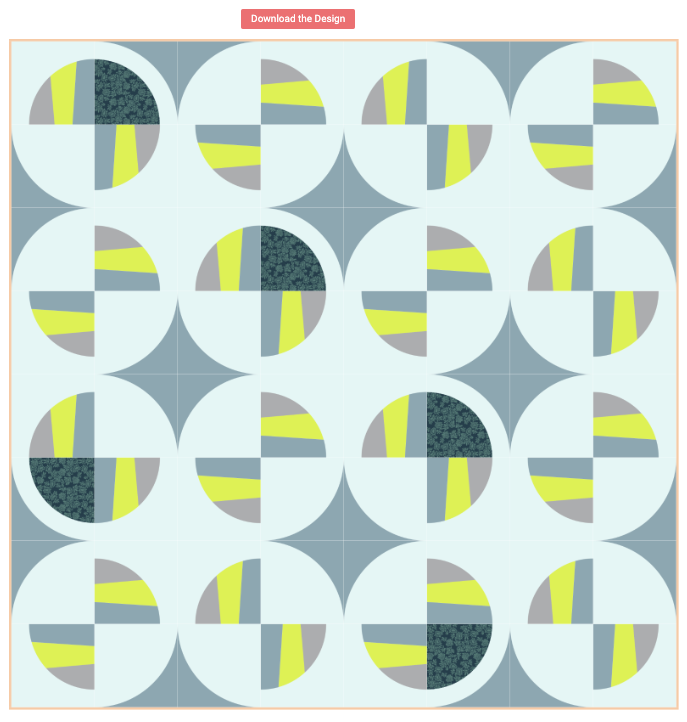
Downloaded quilt top for my version of Modern Fans
## Download a Quilt Image & Fabric Info
Now that you have the quilt mocked up just the way you'd like to make it, it's time download an image of your quilt mockup as well as the fabrics being used.
1. Click on the **Download Image** button () from the central toolbar.
2. On the left side (might take some time to appear), you can download the quilt image by clicking on the **Download the Design** button. This will make an excellent quilt map when constructing the quilt.
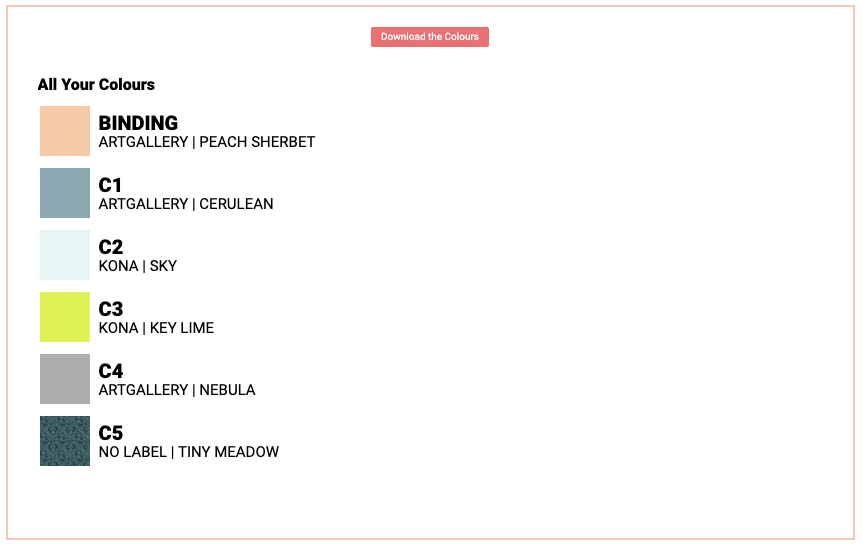
3. On the right side, you can download all the fabric information that will correspond with the quilt pattern. Click on the **Download the Colors** button to download this information.

 ) from the central toolbar.